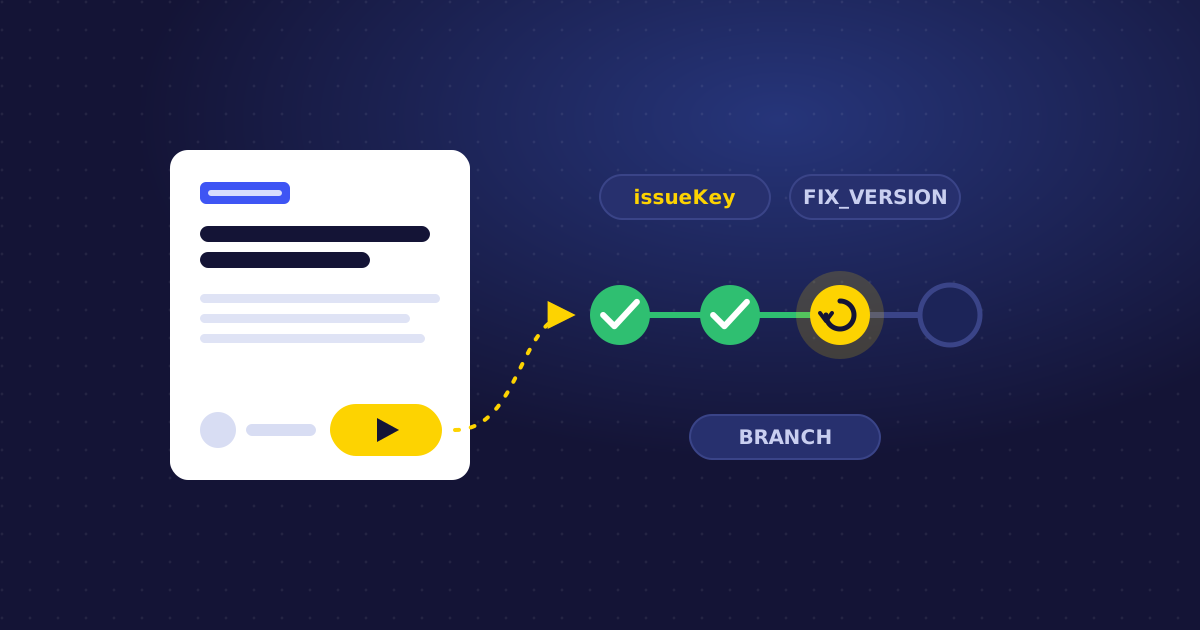
Jira answers "what happened to this piece of work?" Compass answers a different question: "how is this service doing?"
For platform teams, SREs and engineering managers, that second question matters most. When a service owner opens a component in Compass, they want to see whether it builds, when it was last deployed, and who to talk to. Not a list of tickets.
Jenkins for Compass brings your Jenkins builds and deployments into that component view.
Why component-level CI/CD data matters
In most organisations, Jenkins jobs grew organically. Names like backend-deploy-v2-final don't say which service they build, who owns them or whether they still matter.
Compass gives you a catalogue of components: services, libraries, applications, each with an owner. Linking Jenkins jobs to those components turns hundreds of jobs into something you can reason about:
- Ownership: every job belongs to a component, and every component has a team.
- Health at a glance: a failing main build is visible where the service is described.
- Onboarding: new engineers find a service's pipelines from its component page, not by searching Jenkins.
Step 1: Link jobs to components
Jenkins for Compass lets you link the right Jenkins jobs to the right Compass components with suggested matches: the app proposes jobs that look like they belong to a component, and you confirm. For anything it can't match, search for jobs manually.
A few conventions make this faster:
- Align job or folder names with component names (
payments-service/main,payments-service/deploy). - Link both the build job and the deployment job to the component.
- Shared jobs (for example a monorepo pipeline) can be linked to more than one component.
Step 2: Start with history, not a blank page
When you link a job, Jenkins for Compass backfills its build history. You don't have to wait weeks for data to accumulate: the component shows its recent build and deployment activity from day one.
That also makes the first review with service owners productive. You can immediately spot components with frequent failures, or ones that haven't deployed in months.
Step 3: Keep it in sync automatically
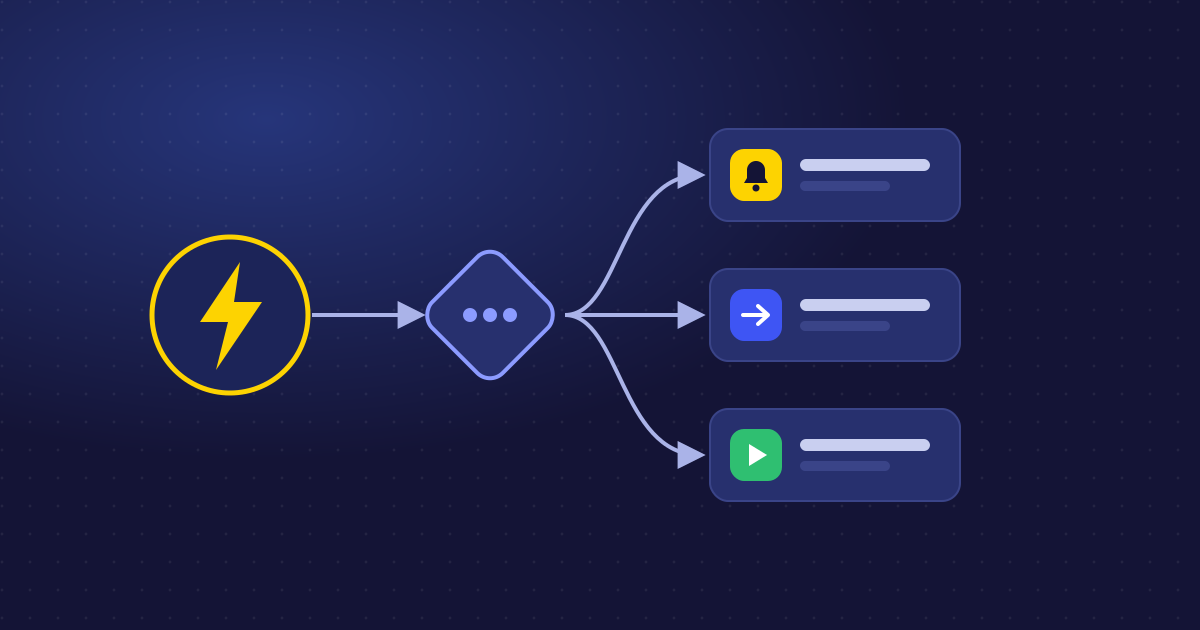
After linking, build and deployment information syncs automatically. Every build and deployment event flows into Compass, next to the component's ownership and issue tracking, with nobody copying status into wikis or spreadsheets.
Deployments are recognised the same way as in Jenkins for Jira: mark deployment builds with the jiraDeploymentInfo pipeline step (or the Deployment Build Marker post-build action) and an environment type like staging or production.
Three ways teams use it
1. Service health reviews. In a monthly review, open each component and look at build health and recent deployment activity. Components that fail often or rarely deploy get a follow-up.
2. Incident triage. When something breaks, the component page shows the latest builds and deployments for that service. "Did anything deploy in the last hour?" gets answered in seconds.
3. Ownership clean-up. Jobs that can't be linked to any component are a signal: either the catalogue is missing a component, or the job is no longer needed. Both are worth knowing.
Using the data in scorecards
Compass scorecards let you define what "healthy" means for your components. Once Jenkins builds and deployments flow into Compass as events, you can use that activity in your health criteria, for example checking that services deploy regularly and that their builds pass. Start with one or two criteria that your teams already agree on, then tighten over time.
Jira, Compass and Confluence: one connection
Jenkins for Compass extends Jenkins for Jira; it doesn't replace it:
- Jira: builds and deployments per issue, for developers and product teams.
- Compass: builds and deployments per component, for platform teams and service owners.
- Confluence: live job status on the pages where you document and share.
Same Jenkins connection, three views, each for the people who need it.
See Jenkins for Compass or read the documentation.

Jenkins for Compass
Connect Jenkins pipelines to your Compass components.
View on Atlassian Marketplace
Jenkins for Jira
See builds and deployments from Jenkins right on your Jira issues.
View on Atlassian Marketplace