

Simplify Jenkins and Jira Toolchain
Track builds, automatically trigger Jira issue creation, and gain complete visibility of Jenkins builds directly in Jira, no more context-switching or duplicating tasks.
Explore features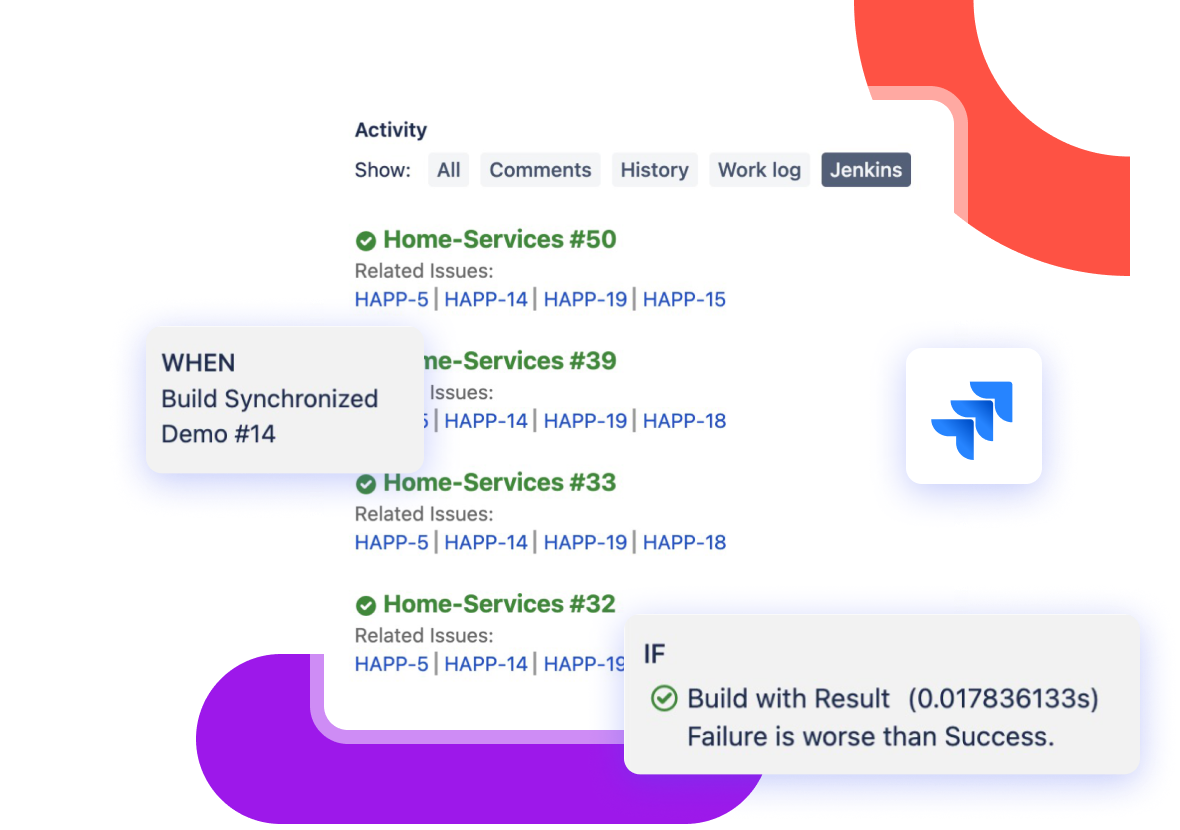
Trusted by engineering teams at















Efficient CI/CD Workflows, Made Simple.
Jenkins for Jira is purpose-built to eliminate inefficiencies and enhance clarity across your CI/CD pipeline, giving you complete visibility and control, all from inside Jira.
Find Build Information Faster
Stop wasting time jumping between tools. Jenkins for Jira puts all your build information where your team already works inside Jira.
- Full Build Visibility in Jira
View Jenkins build results and direct links inside Jira issues. Know exactly what's happening, no need to leave Jira.
- Link Issues to Specific Builds
View all relevant details for a specific build within an issue to simplify debugging and deployment tracking.
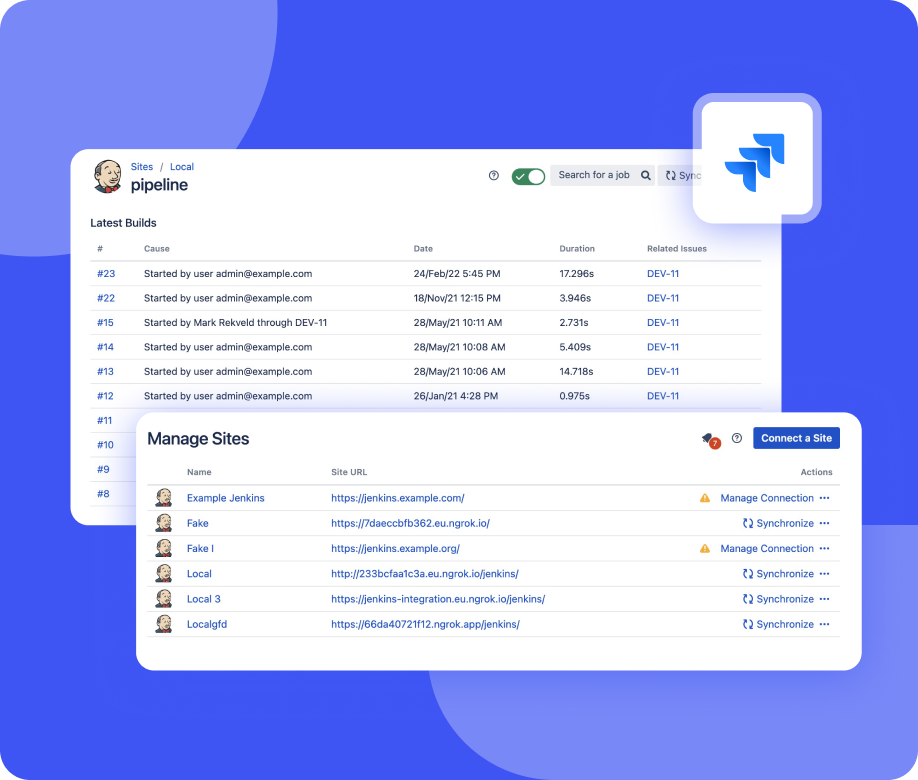
- Filter by Jenkins Site or Folder
Manage jobs from multiple Jenkins sites and folders directly from Jira.
Automate Repetitive Work
Spend less time creating and updating Jira issues. With automation rules triggered by Jenkins builds, your workflows stay in motion without manual input.
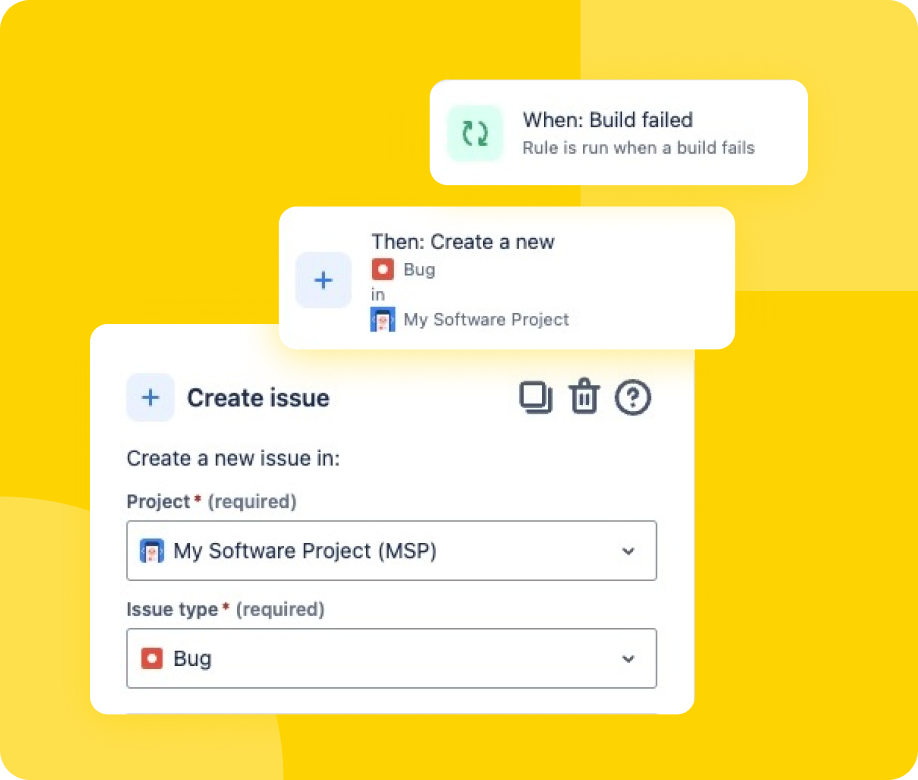
- Trigger Issue Creation Automatically
Create Jira issues for failed builds or new tasks directly from Jenkins.
- Build-Based Rule Editor
Customize Jira automation rules using build events, with conditions and actions tailored to your needs.
- Avoid Manual Status Updates
Automatically transition Jira issues based on Jenkins build outcomes.
Improve Team Collaboration
Give your developers, testers, and Project Managers a shared view of build health and ownership within Jira.
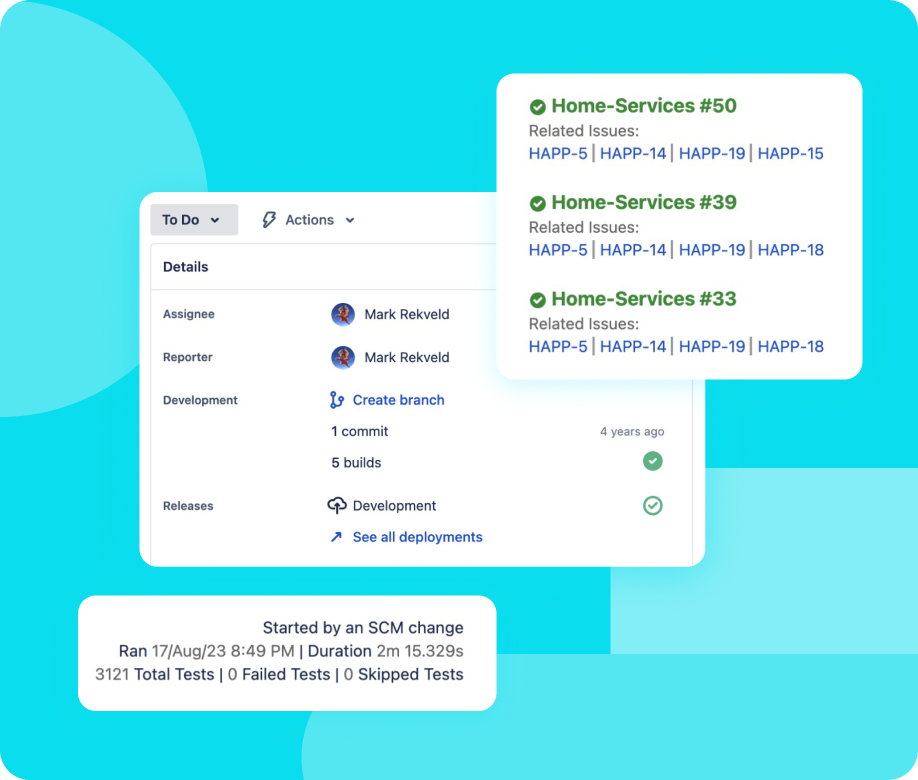
- Track Build Health
Instantly identify failed builds and issues tied to them.
- See Ownership at a Glance
Display job ownership so it's clear who needs to take action.
- Minimize Software Switching
Work where you're already working. No platform hopping means fewer disruptions and distractions.
Built For Everyone
From solo developers to enterprise teams, Jenkins for Jira saves time and delivers clarity.
Work in One Place
See Jenkins insights and trigger actions directly from Jira, no more juggling tools.
Automate with Confidence
Create rules that trigger Jira actions based on Jenkins events, removing repetitive tasks from your workflow.
Fast Setup, Powerful Control
Integrate with one or multiple Jenkins sites, organize by folder, and control what gets synced.
Integration That Your Team Will Love
No more manual syncing and disconnected tools. Just a simpler and more streamlined development workflow.
Why Stop Only at Jira?
Get Jenkins for Confluence* and Jenkins for Compass* to document, monitor, and manage your software development lifecycle, all without leaving the Atlassian environment. Best of all, they're 100% free. No trial periods, no limits.
*Both apps require Jenkins for Jira to be installed and configured to function.
Loved by Users Worldwide
"Nicely integrated into JIRA, that's the way I want to see my related builds. Fast developer response and bug-fixing => I recommend it."
"Hi community! Want to pay attention to support team of this plugin. It's awesome. I've reported a bug (it was create in vendor internal Jira with critical priority).... It was fixed in two days and new release with this bug fix was uploaded to marketplace on the next day. Thanks a lot!"
"Great support from the team at Marvelution!"
"Great plugin and great support. Using this plugin, I have clear picture on Jira side, which Jenkins job is connected to that Jira Issue. I really like feature of marking Jenkins Pipeline as deployment."
"A previous version had an issue with Java 17 and beyond but we contacted the developer and the developer responded within hours. He was able to get the new version out and fixed super fast! Our connection was instantly restored! We love this connector and use it daily - Highly recommended!"
"Nice integration with Jenkins / Stash and Jira! Less context switching and easy to setup."
"Exceptional support from the team at Marvelution! We have asked for a specific feature that would allow us to select the pipeline to be executed - using a wf postfunction - based on a custom field value. Their response was amazing and they delivered a new version with this feature working in a matter of days. This is the kind of support that really makes a difference."
"It has come long way since initial release. I am quite satisfied how the plug-in is working. Displaying related Jeninks builds in JIRA is working seamlessly. Good job!"
"A lot easier to set up than its predecessor. A great way to include build information into JIRA!"