

Track Jenkins Builds from Compass
Bring Jenkins build and deployment insights directly to Compass for full CI/CD visibility: no more context switching, no more manual updates.
Get it free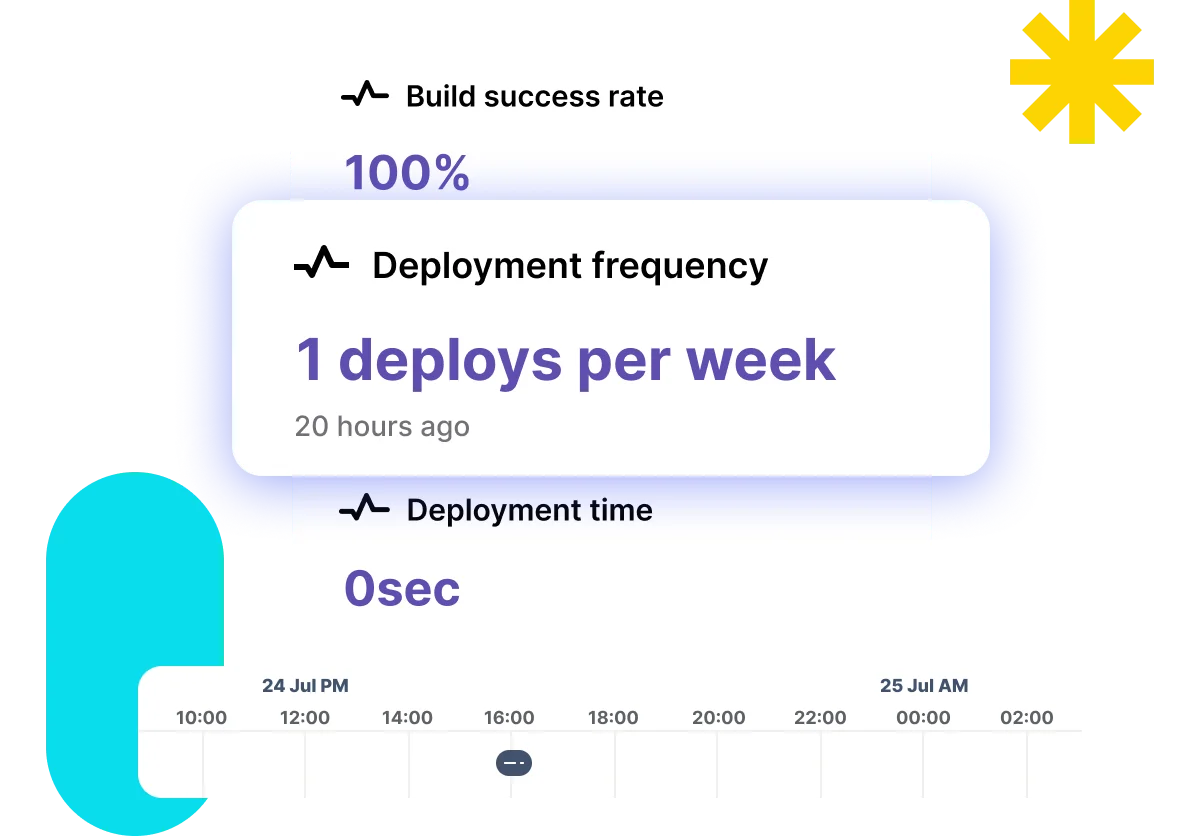
Gain Greater CI/CD Visibility
Jenkins for Compass automates build data synchronization so your development and operations teams can monitor component health and deployment history without leaving Compass.
Find Jenkins Builds Faster
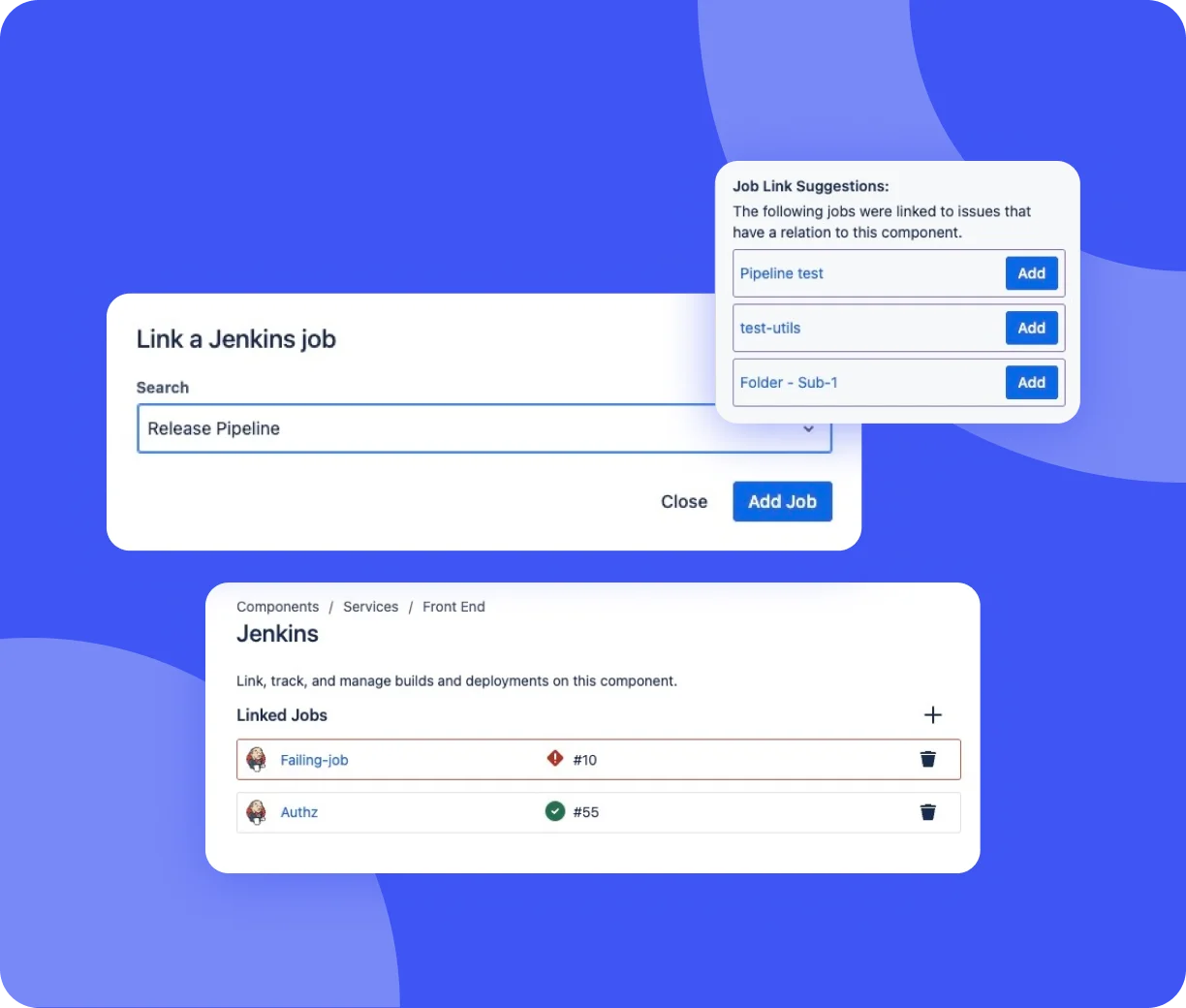
Linking builds to components has never been this easy. Jenkins for Compass makes it easy to link the right Jenkins jobs to the right Compass components in seconds.
- Quick Setup
Upon installation, navigate to your component, click on the Jenkins page, and start linking builds.
- Suggested Job Matching
With one click, automatically link builds using the job link suggestion that's based on the build issue index.
- Manual Job Search
Within Compass, search and link any Jenkins job by name. No more switching between systems anymore.
Automate Deployment Insights
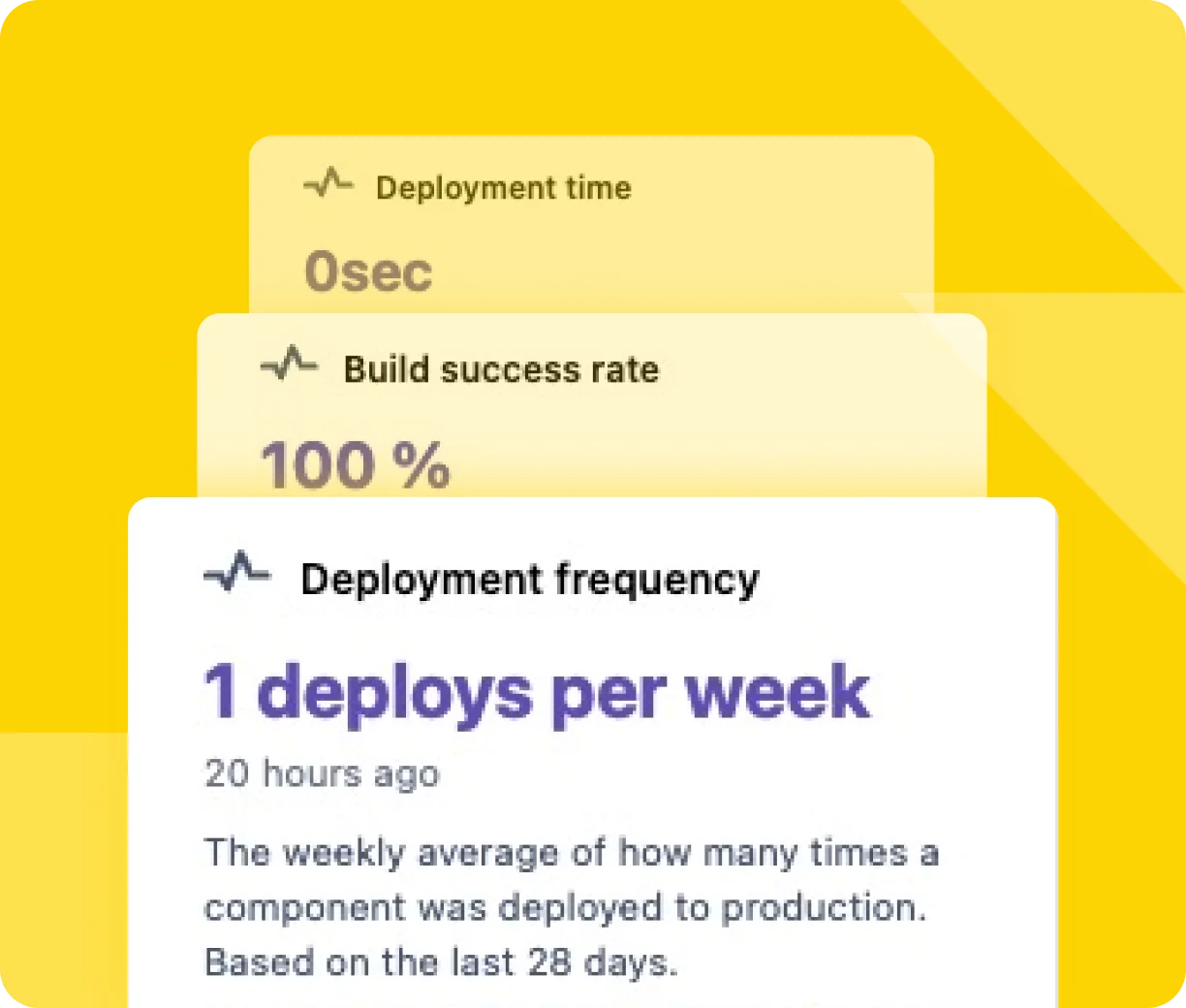
Manual status tracking is time-consuming and error-prone. This app updates your Compass components with real-time build status and deploys events automatically, so everyone stays in sync.
- Automated Data Syncing
Skip the scripts and spreadsheets, send Jenkins build and deploy data to Compass automatically.
- Up-to-date Dashboard
See the exact status of every build and deployment without leaving Compass.
- Backfilled Build History
Get full context from day one. Let Compass pull in historical build results when you link a job.
Improve Pipeline Transparency
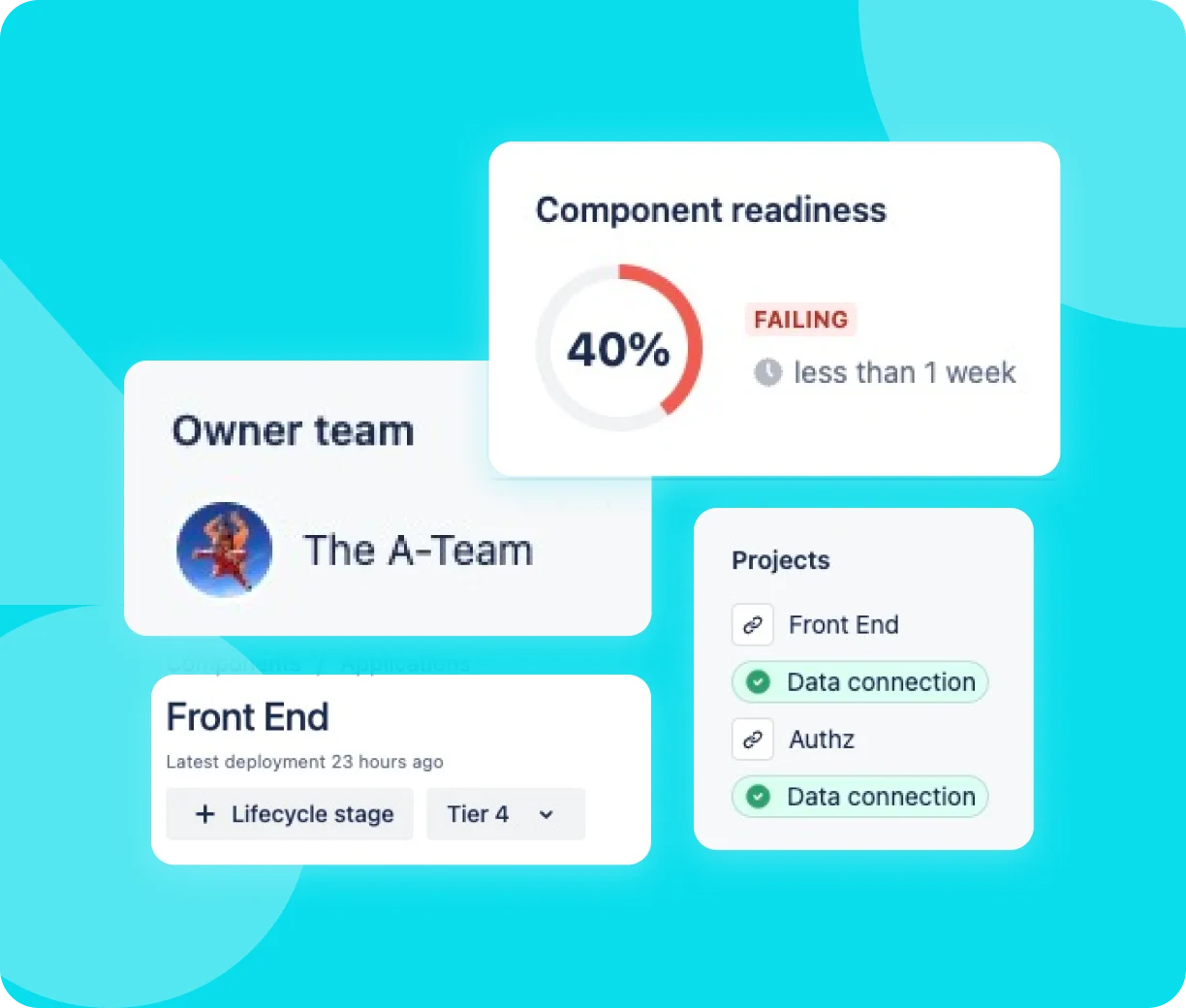
When something fails, you need answers fast. Jenkins for Compass keeps every event, build, and deployment visible in one place with clear links to ownership, issue tracking, and service performance.
- Track Build Health
Instantly spot build health, activity, or various metrics from the component view.
- One Source of Truth Across Teams
With real-time CI/CD data in Compass, every stakeholder sees the same live view, so no more miscommunication or outdated reports.
Why You Need Jenkins for Compass?
Purpose-built for CI/CD transparency, this free Compass integration enables your team to track, analyze, and act on development lifecycle events without needing to leave Compass.

Quick Setup
Connect your Jenkins instance in minutes, with no complex configurations or workarounds.

Always Know Component Readiness
Get immediate visibility into build and deployment success rate, ensuring everything's on track.

Built to Scale
Works for small teams or enterprise-wide CI/CD architectures.
Ready to Bring Jenkins Build Data Into Compass?
No more manual work and disconnected tools. Try Jenkins for Compass and experience a more simplified way to track builds.
Why Stop Only at Compass?
To round out your CI/CD tooling, try Jenkins for Confluence as well. Both Jenkins for Confluence* and Jenkins for Compass* apps are 100% free with all features unlocked, no trials or sign-ups.
*Both apps require Jenkins for Jira to be installed and configured to function.
Loved by Users Worldwide
"Nicely integrated into JIRA, that's the way I want to see my related builds. Fast developer response and bug-fixing => I recommend it."
"Hi community! Want to pay attention to support team of this plugin. It's awesome. I've reported a bug (it was create in vendor internal Jira with critical priority).... It was fixed in two days and new release with this bug fix was uploaded to marketplace on the next day. Thanks a lot!"
"Great support from the team at Marvelution!"
"Great plugin and great support. Using this plugin, I have clear picture on Jira side, which Jenkins job is connected to that Jira Issue. I really like feature of marking Jenkins Pipeline as deployment."
"A previous version had an issue with Java 17 and beyond but we contacted the developer and the developer responded within hours. He was able to get the new version out and fixed super fast! Our connection was instantly restored! We love this connector and use it daily - Highly recommended!"
"Nice integration with Jenkins / Stash and Jira! Less context switching and easy to setup."
"Exceptional support from the team at Marvelution! We have asked for a specific feature that would allow us to select the pipeline to be executed - using a wf postfunction - based on a custom field value. Their response was amazing and they delivered a new version with this feature working in a matter of days. This is the kind of support that really makes a difference."
"It has come long way since initial release. I am quite satisfied how the plug-in is working. Displaying related Jeninks builds in JIRA is working seamlessly. Good job!"
"A lot easier to set up than its predecessor. A great way to include build information into JIRA!"